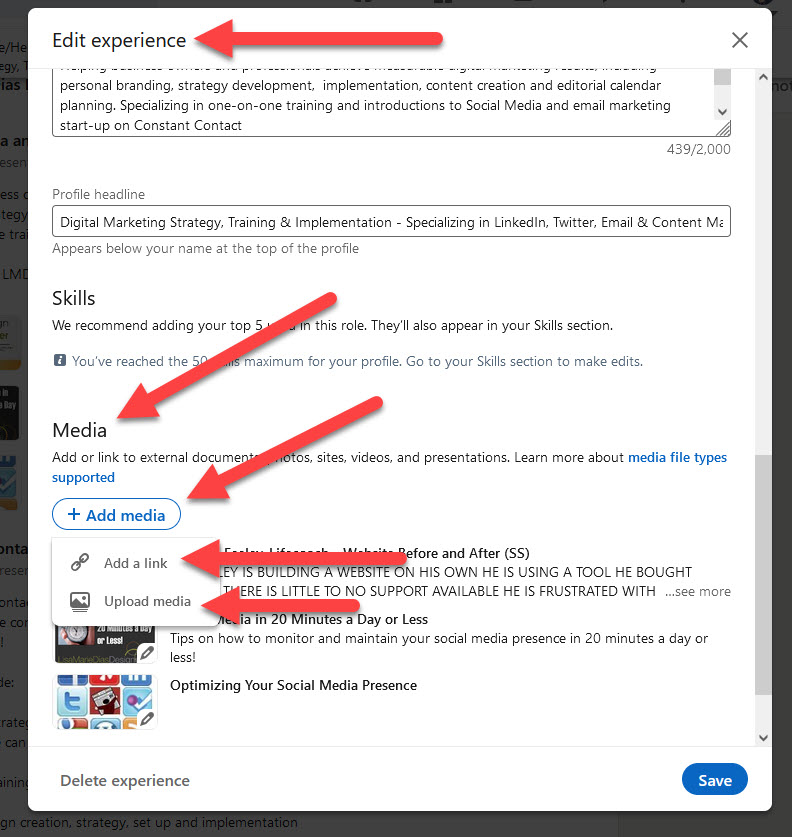

Please click here to see our updated tutorial on ‘How to set up a Vanity URL on LinkedIn’
One of the most important reasons to set up a vanity URL for your LinkedIn page is so that you can easily share the address with others. A “vanity” URL is a clean address which is both easy to include and mention to others. It is fairly quick and easy and definitely worth the few minutes!
To get your own vanity URL on LinkedIn:
Go to your profile page and click on ‘Profile’, ‘View Profile’ to see your LinkedIn address

If this is not your name, but a series of letters and numbers, you can change this to a ‘clean’ URL address. To do this you:
- Go to Profile
- Edit Profile

NOTE: You know you are in ‘edit mode’ when you see lots of little pencil icons next to all your info
- click on the pencil icon next to your address
This takes you to another window – in the lower right hand sidebar, you will see a link to ‘Customize your Public Profile URL’

Click that and you are taken to yet another pop up window (this sounds like a lot of steps but it is very easy and will take less than 5 minutes – really!)

Here, you can choose the name you want to use. You may be able to use your own name if you are lucky – if not, choose something that is a professional variation (ie: not bubblegumguy – try numbers using your middle name or initial)
The sooner you do this, the more likely it will be that you will be able to claim your own name!
Note: Your custom URL must contain 5 – 30 alphanumeric characters.
Please do not use spaces, symbols, or special characters.
Save and you are done – congratulations!
And please be sure to send me an invitation to link – and mention if this tutorial was helpful!
Do you need help with LinkedIn?